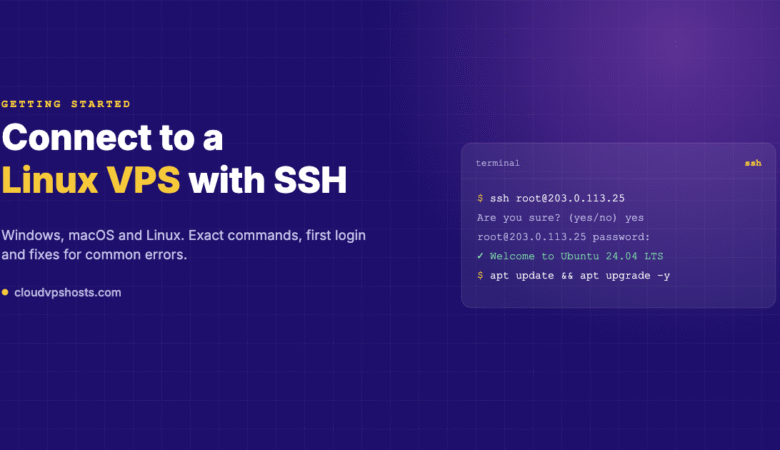
How to Connect to a Linux VPS with SSH (Windows, macOS and Linux)
November 27, 2026Step by step: open a terminal, run ssh root@your-ip, accept the host key and log in. Works from Windows 10/11, macOS and Linux.
Step by step: open a terminal, run ssh root@your-ip, accept the host key and log in. Works from Windows 10/11, macOS and Linux.
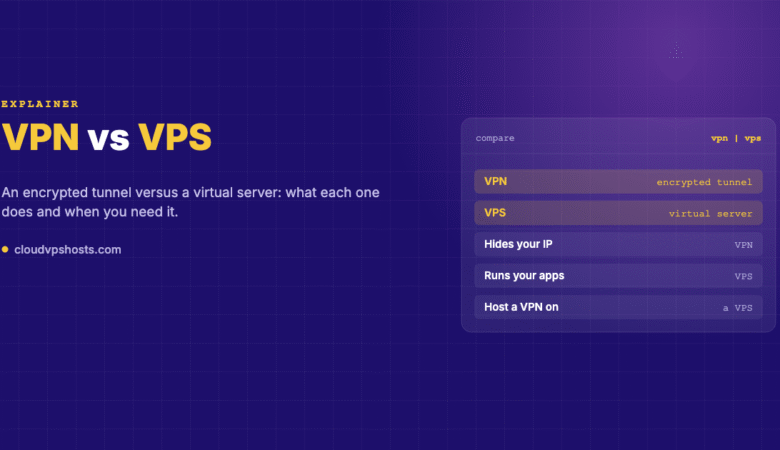
A VPN protects your connection, a VPS runs your software. See how they differ, which one you need and when a self-hosted VPN on a VPS makes sense.

Create A records for your domain, check that DNS has updated, configure Nginx, Apache or IIS for the domain and fix the most common DNS problems.
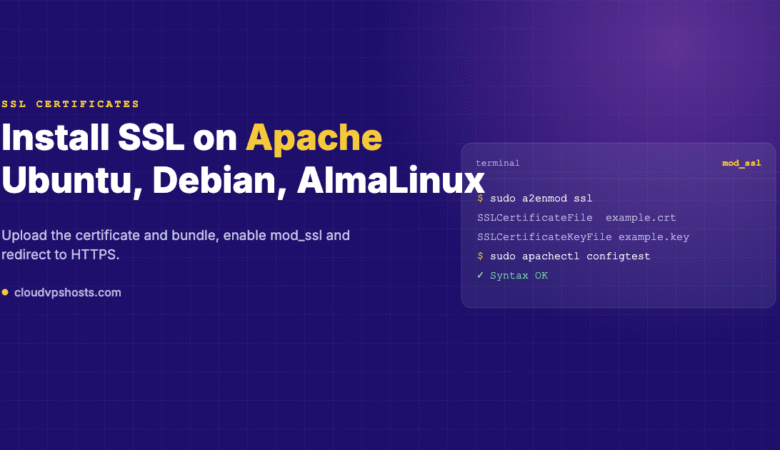
Enable mod_ssl, create a 443 virtual host and redirect HTTP to HTTPS on Ubuntu, Debian or AlmaLinux, with fixes for common errors.
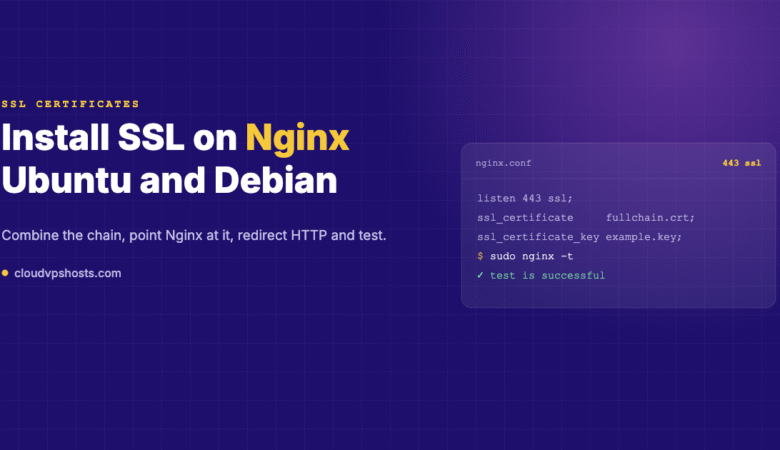
Combine your certificate and intermediate, add a 443 server block, redirect HTTP to HTTPS and check the chain on Ubuntu or Debian.

Create an Ed25519 SSH key on Linux, macOS or Windows, copy it to your server, test the login and turn off password logins.

Secure a new Ubuntu 24.04 or 22.04 server: updates, a sudo user, SSH key login, no root login, UFW firewall and automatic security updates.

Install Nginx on Ubuntu 24.04 or 22.04, open the firewall, check the service and host your own site with a server block.